
Your digital life,
organized in one place.
Zeno is a simple, private app for your passwords, notes, calendar, and finances — encrypted end-to-end with a master password only you know, and free to use.
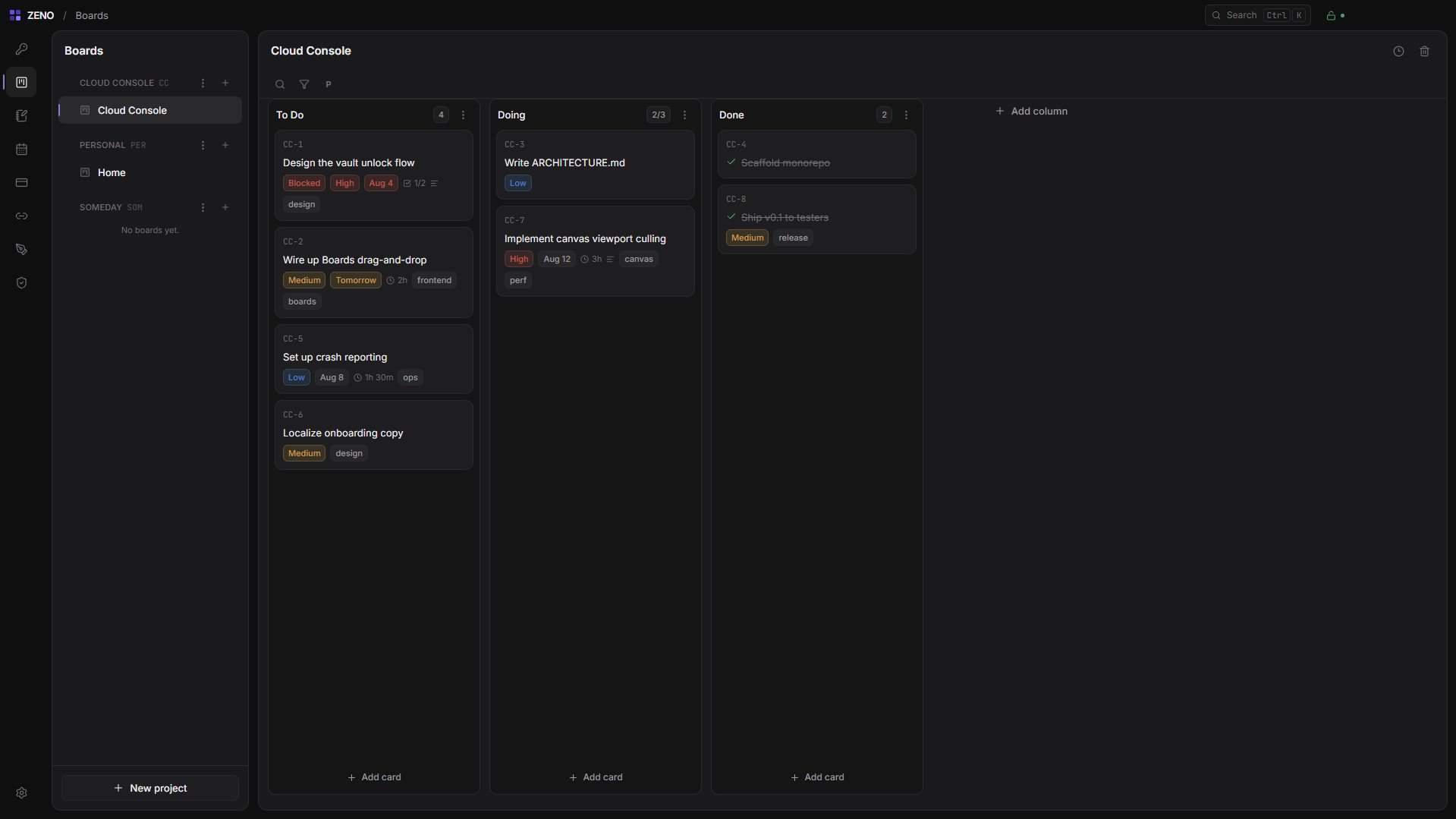
Organize your projects with ease.
Keep track of your tasks using simple boards. Move items around as you make progress, and keep all related notes in one place.
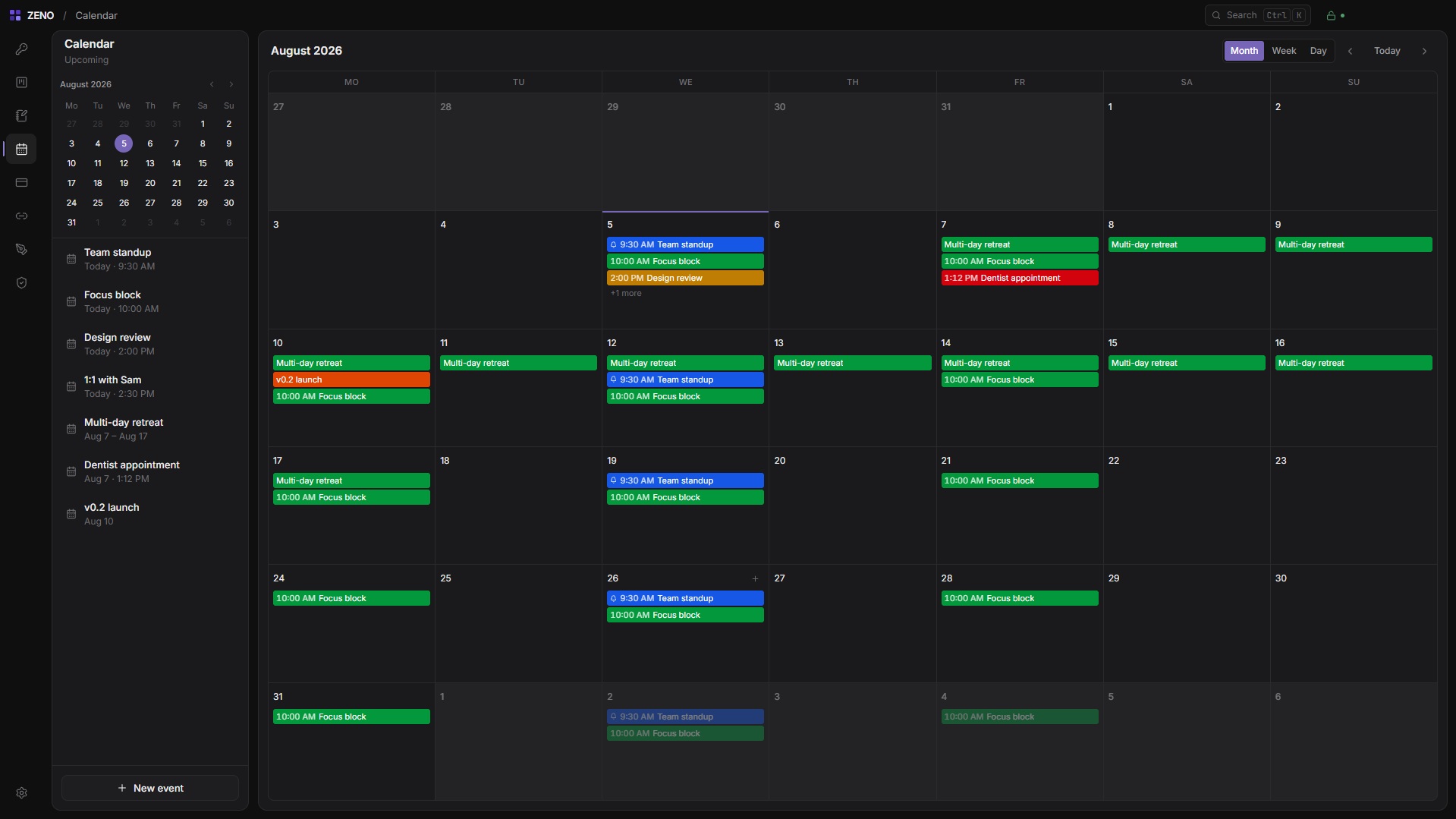
Keep track of your schedule seamlessly.
View your events and appointments by month, week, or day. Stay organized without any extra setup.
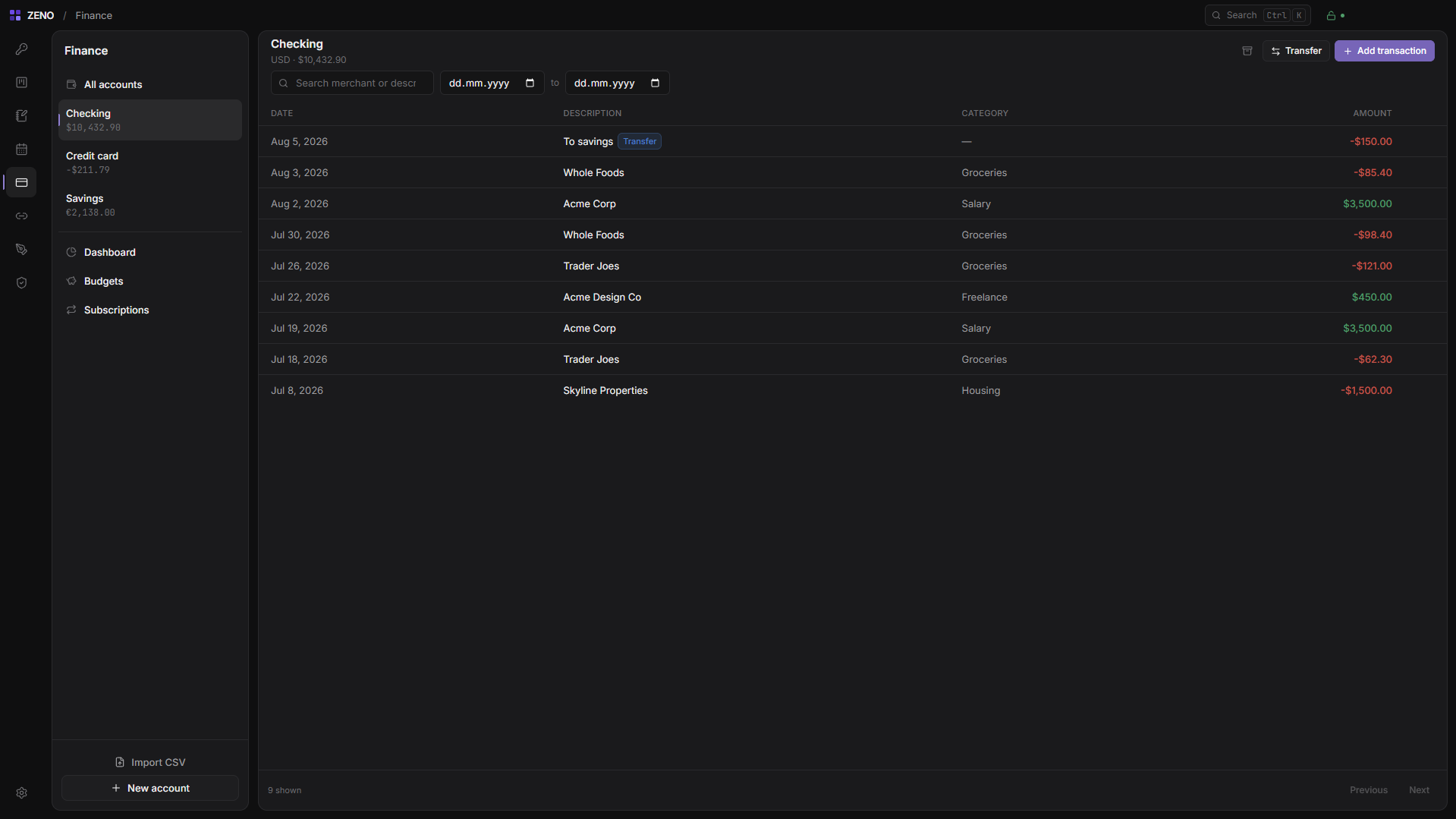
Understand your finances at a glance.
Easily view your accounts, track subscriptions, and manage your expenses all in one clear dashboard.
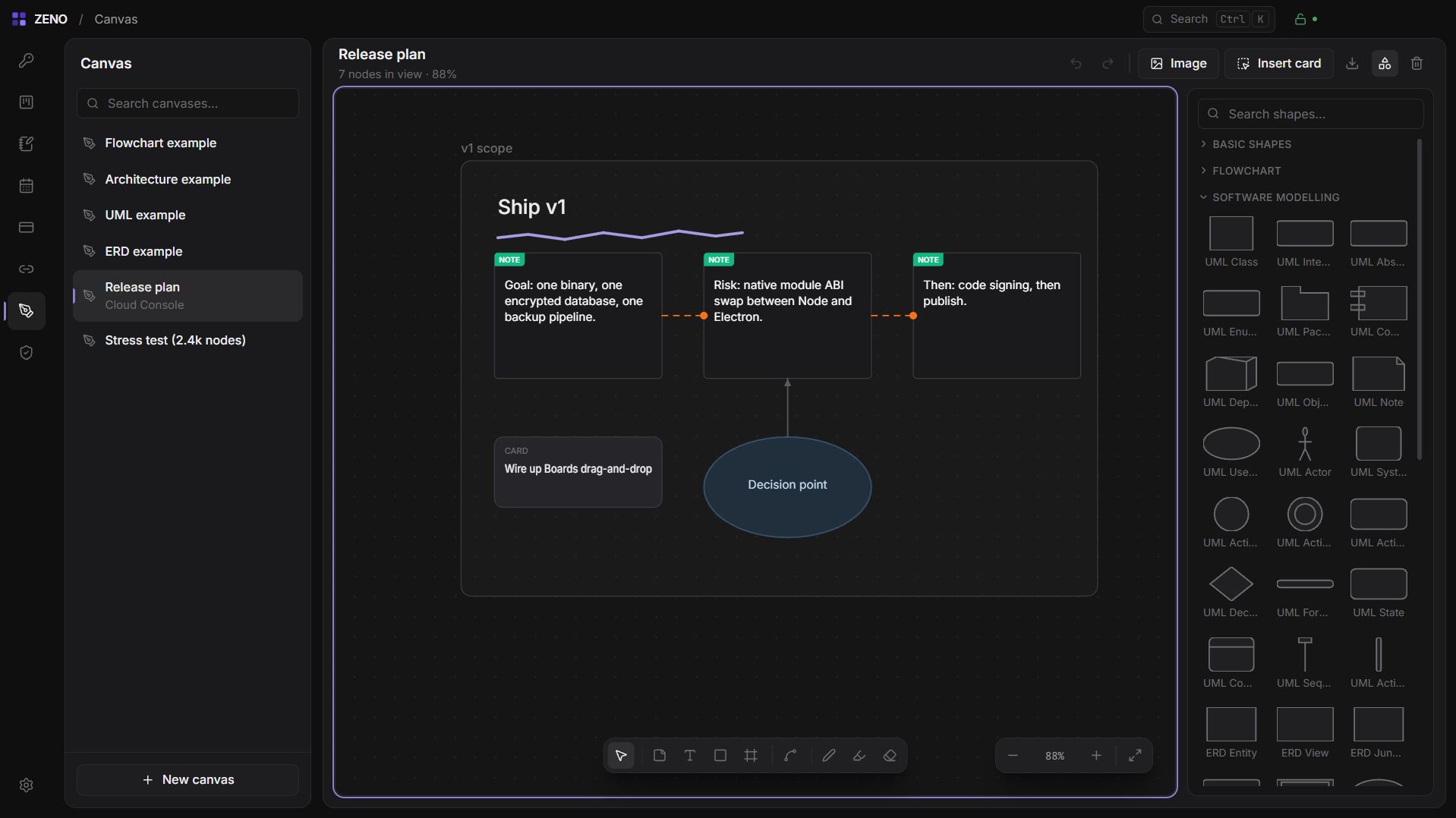
A digital whiteboard for your ideas.
Draw shapes, add sticky notes, and connect your thoughts visually with Canvas.
Capture your thoughts instantly.
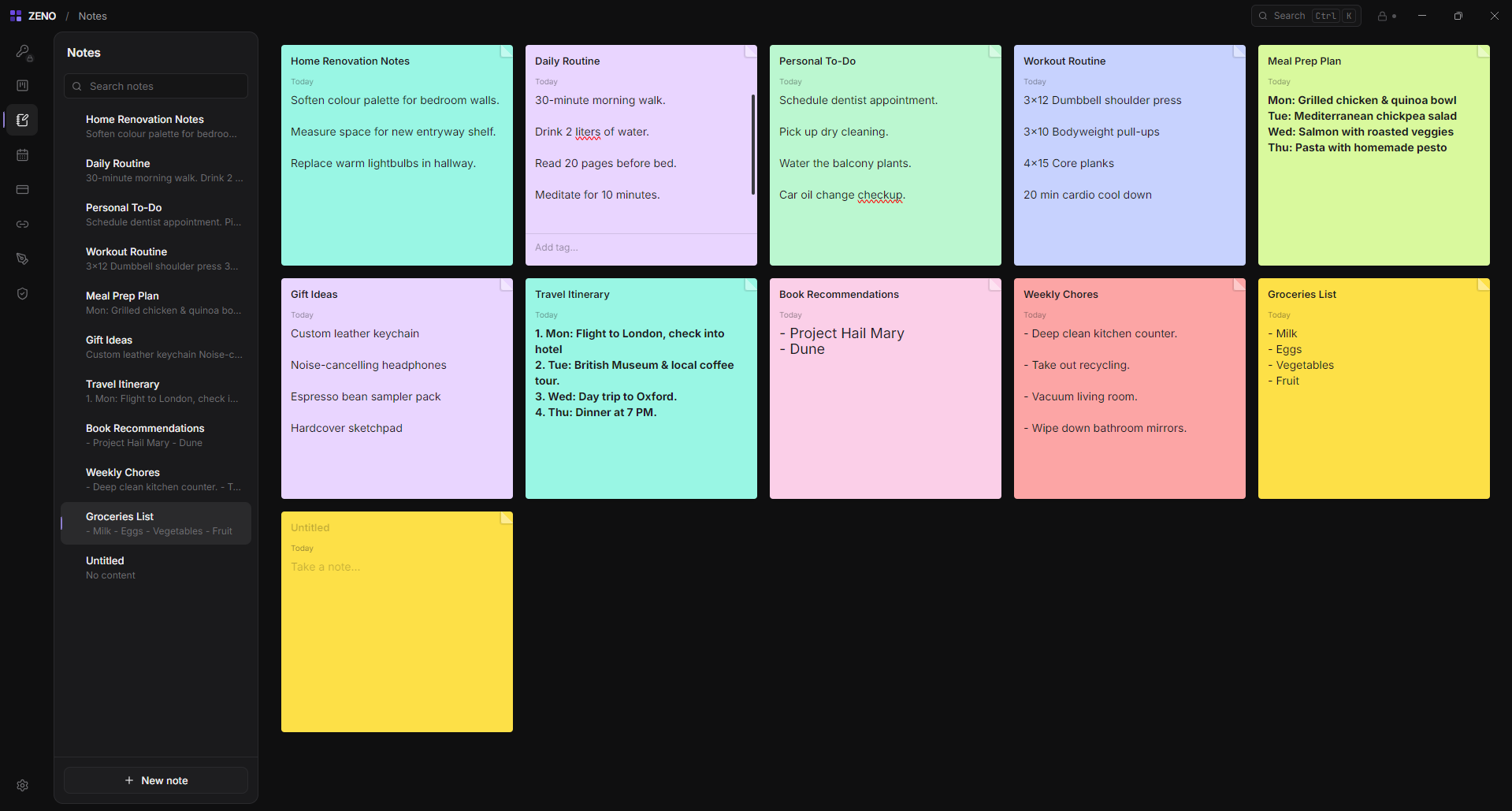
Write rich text notes that link directly to your projects and calendar events.
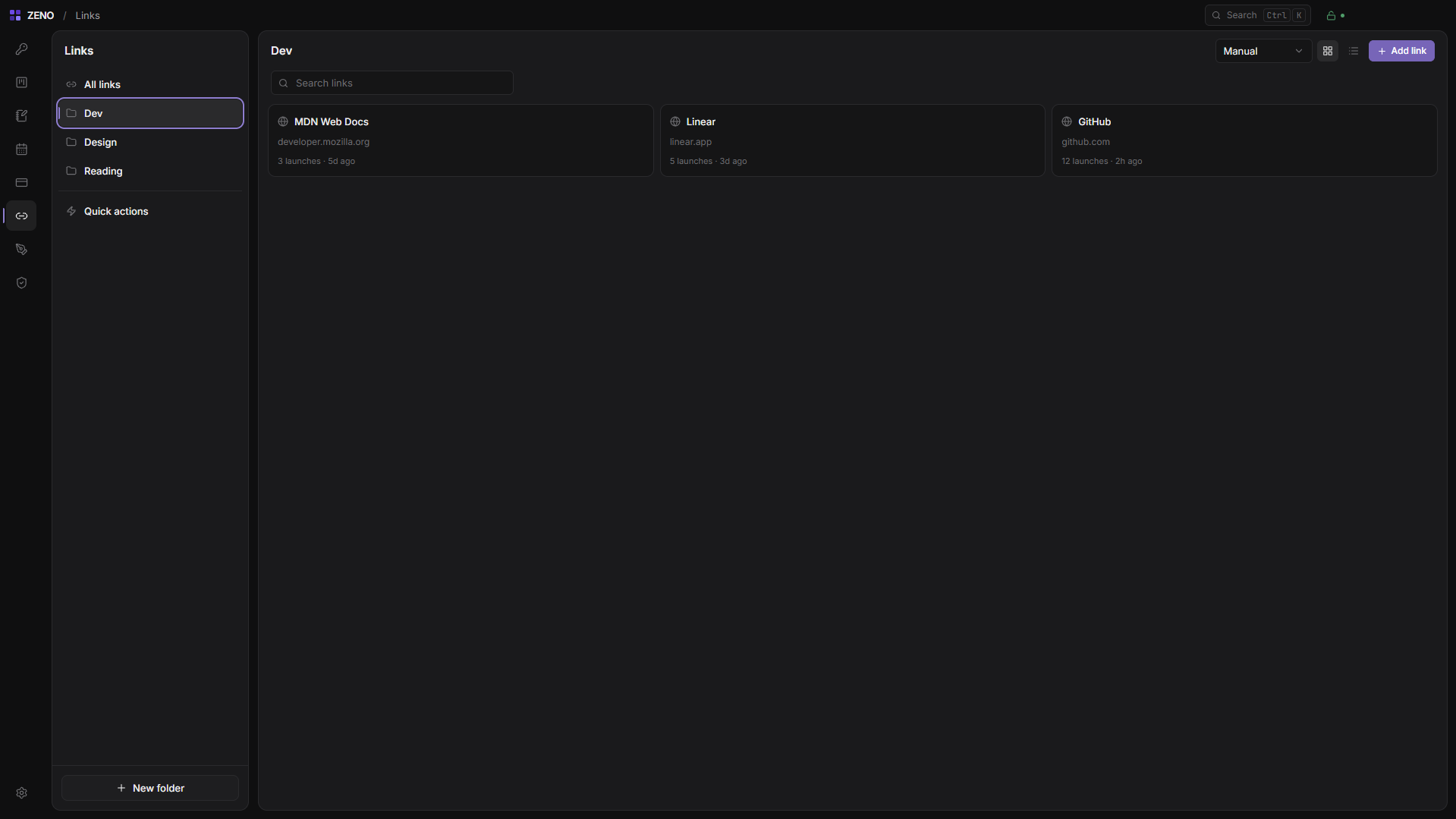
Save your favorite links.
Keep your most important bookmarks organized and open them with one click.
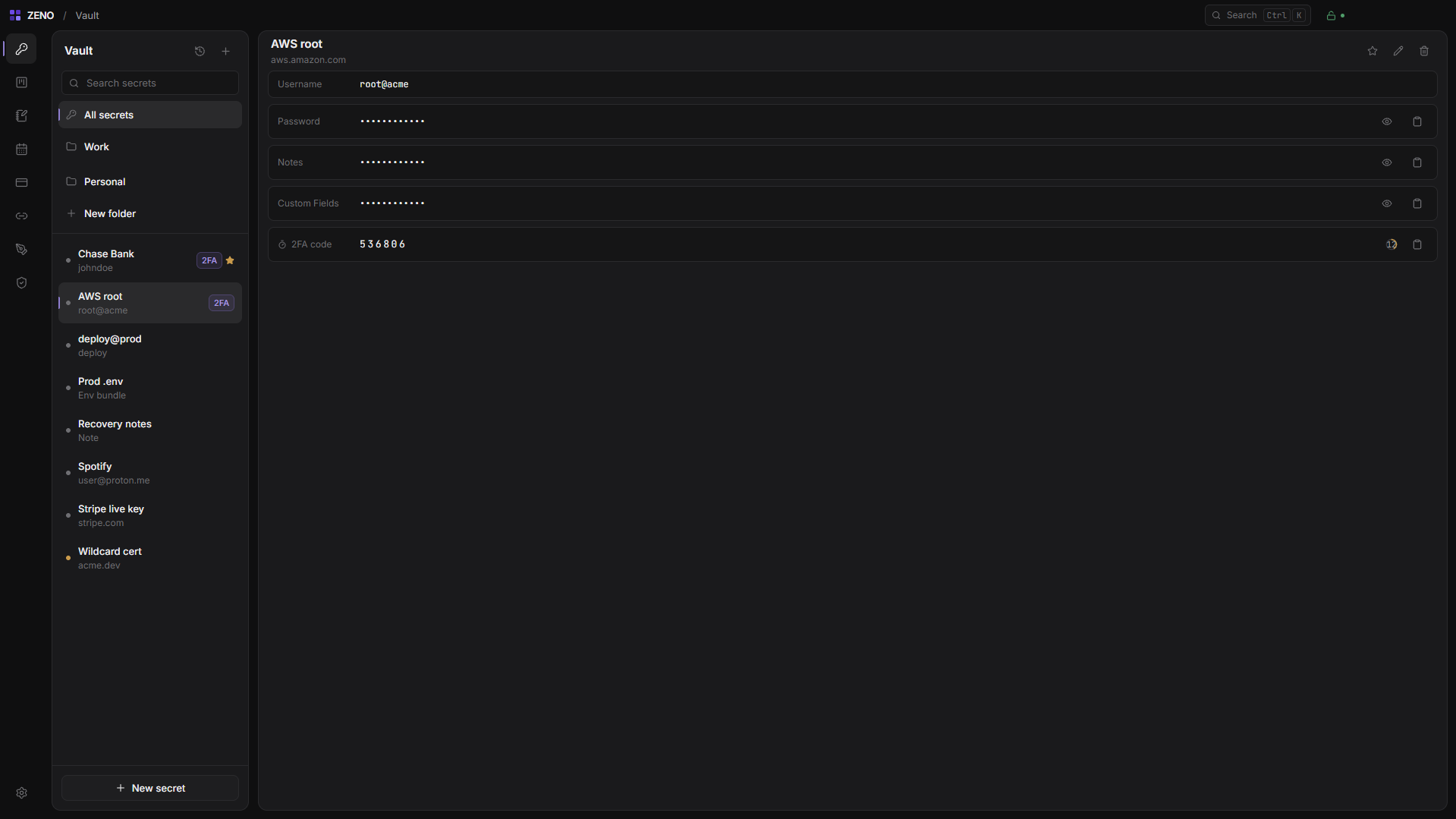
Keep your secrets safe.
Securely store your passwords, secure notes, and other sensitive information in one protected place.
Download Zeno.
Free to download and use. Your vault and data stay encrypted on your device unless you set up a backup destination yourself. The app shares anonymous usage statistics you can turn off in Settings — see the privacy policy.
Zero-knowledge isn’t a feature. It’s the whole design.
Zeno doesn’t run a server that holds your data. The database is encrypted at rest with a key held in your OS keychain, and the vault sits behind a separate master password run through Argon2id — a key that never leaves the machine it was typed on.
There is no recovery email — recovery is a 24-word phrase you keep yourself. Backups go where you point them — a local folder, your own S3-compatible storage, or your own SFTP server — and they’re encrypted before they leave the machine.
Frequently Asked Questions
Is Zeno free?
Yes. Zeno is free to download and use — vault, notes, boards, calendar, finances and canvases, with no limits.
Do I need to create an account?
Not right now — everything is stored on your own device, encrypted with a master password only you know, so you can start using it immediately.
How do I move ZENO to a new computer?
Backup → Move to another computer exports everything to a single encrypted file you can import on the new machine. You can also back up to a local folder, S3-compatible storage, or your own SFTP server.
Is my data secure?
Yes. Your vault and everything you create is encrypted on your device with a key only you hold — we have no way to read it. The app does send anonymous usage statistics (app version, OS, and that it was opened) to help us improve it; you can turn that off anytime in Settings → Privacy.
Get in touch
Have a question or need help? Send us a message.